Wedding invitation video, WhatsApp image or interactive link?
An image puts the main details on one screen. A video sets the mood. A website helps when people need to find the programme, open a map or reply after the initial invitation has been sent.
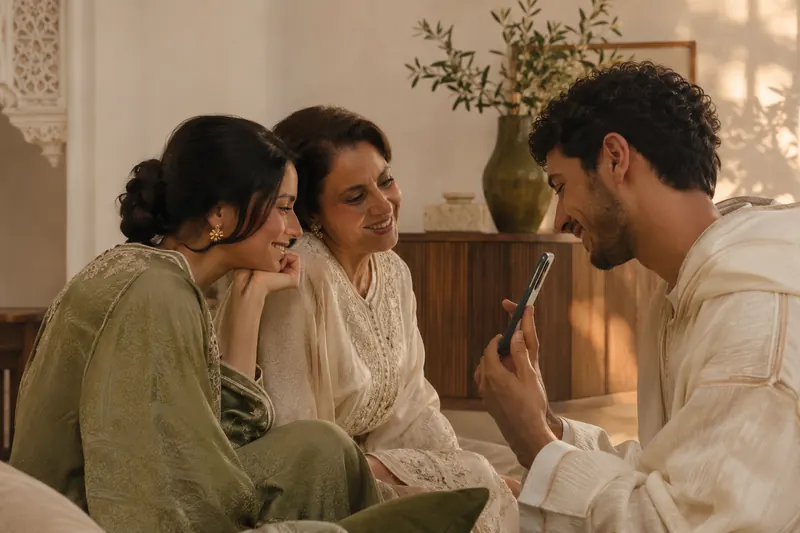
Compare what a guest can do with each format
Imagine a relative reopening your message while they are in a taxi on the wedding day. Check what they can find without listening to audio or asking you.
| Format | Best use | What else to send |
|---|---|---|
| WhatsApp image | Read time and venue at a glance | Put the tappable map link in the message text |
| Video | Share the announcement and atmosphere | Include the facts in text and test it with sound off |
| Website | Return to details and use the agreed actions | Test link opening, directions and replies on a second phone |
Try the wedding-day phone test
Send the finished invite to yourself and a relative. Open it with sound off. Ask them to find the city, the guest entrance and the start time without replaying several times.
- Image: look at the smallest phone you can try.
- Video: allow time to read the details and supply a text version.
- Website: open it outside the chat and try the map and reply form.
Keep a single source for the practical details
You can share a short video announcement and include a link people can return to. Choose which version holds the latest information before sending it.
Sources reviewed
How we prepare these guides
These guides draw on the features shown on this website and the studio’s process. Commercial information is checked with QISSEA; the terms of your own request are confirmed before you agree.
The QISSEA teamExplore more guides
How to share your wedding invitation on WhatsApp
Use an adaptable message, test the final link and check the useful details before sharing your wedding invitation with guests.
Printed or digital wedding invitations in Morocco?
Compare paper, digital and hybrid invitations. See a dated local price example and calculate your print quote in Moroccan dirhams.