How to share your wedding invitation on WhatsApp
Share the approved final link with a short personal message. Before sending it to everyone, open that link on another phone and check the date, local time, venue and languages. A standalone image and an interactive link do not give guests the same access to details.
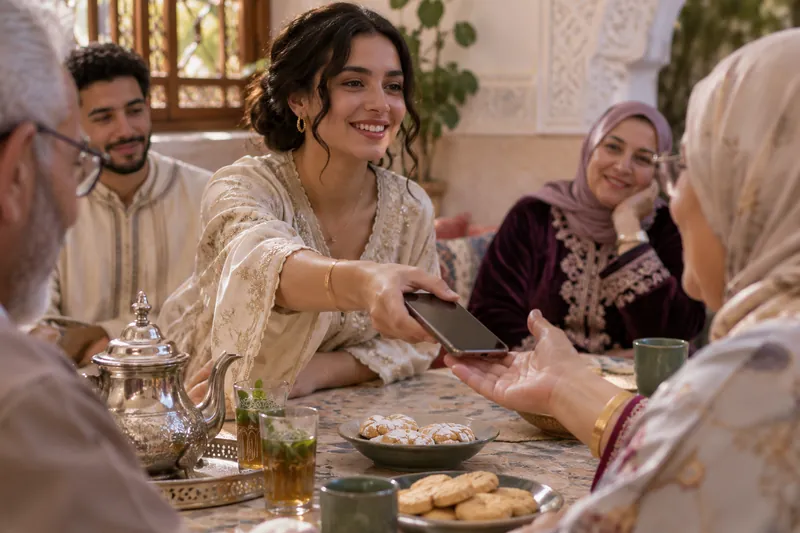
What should you check before sending?
Send the approved personalised invitation link, not a catalog demo. Review the invitation with the studio, then ask someone to open it without explaining where to tap. This small test reveals questions a guest might still have.
- Names, date and local time are correct.
- The venue name matches the address and map location.
- All language versions contain the same practical information.
- Guest-reply arrangements, if included, have been confirmed with the studio.
What message can you send with the link?
Keep the message short and warm. Leave celebration details in the invitation so that you do not create several versions to correct. Replace the bracketed fields before sharing this example.
Why should you test both the preview and the link?
WhatsApp may cache a link’s title or image. An old preview after an update does not necessarily mean the invitation page is wrong. Open the link itself and check its content. If an important preview detail is still incorrect, tell the studio before a large send.
Try the link from a real conversation on a phone. Guests should be able to open the invitation in their browser without installing a QISSEA app. A slower connection, an in-app browser and a different preferred language can affect the first impression.
Should you use a group or individual messages?
Choose what suits your relationship with the guests and their preferences. Individual messages make a personal welcome easier. A group can suit a family that already talks together, but adding people may expose their contact details to other members. Ask permission where appropriate.
Avoid posting a personal invitation link publicly. An unlisted invitation can still be opened by anyone who receives its link, and a recipient can forward it. Share deliberately in a way that suits your event.
What if a detail changes after sharing?
If the venue or time changes, contact the studio to confirm the invitation update. Open the link again, then tell guests clearly about the change. Do not rely on a silent page edit to inform everyone.
For a reminder, resend the same final link and the one useful update. Keep one reference version so that an old image, another link or a reply in a conversation does not become the version some guests follow.
How we prepare these guides
These guides draw on the features shown on this website and the studio’s process. Commercial information is checked with QISSEA; the terms of your own request are confirmed before you agree.
The QISSEA teamExplore more guides
When to send wedding invitations in Morocco
Plan when to give travelling guests notice, when to send the full wedding invitation and how to set the RSVP deadline.

How to share wedding venue directions in Morocco
Check the map pin, guest entrance, drop-off point and parking. Use a copyable directions block in your wedding invitation.