Free Word or PDF wedding invitation vs an online link
Use Word to edit the wording and a final PDF to share or print the fixed layout. Use a browser link when guests need to return to current details, open directions or reply from the invitation itself.
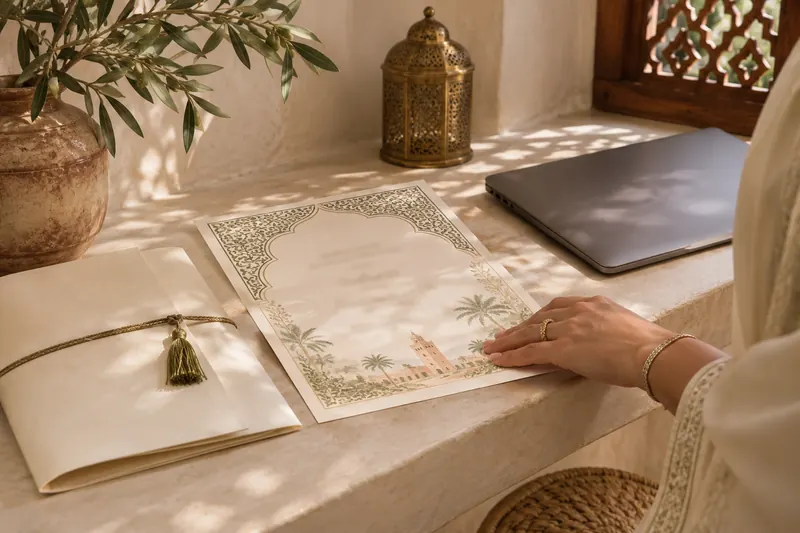
Give each person the format they need
Microsoft offers editable Word templates. Keep the source file during preparation and ask a printer what final file and dimensions they accept. If you use a third-party template, check the terms for any images and fonts.
| Format | Who uses it | What to check |
|---|---|---|
| Editable Word | Whoever writes and reviews the invitation | Check fonts and Arabic text direction after editing |
| Final PDF | The printer or a relative who wants a copy | Proof the file before sharing and replace it if details change |
| Online link | Guests returning for the map or RSVP | Test actions on a second phone and check how long the page stays online |
Download QISSEA’s editable Word invitation
The original template contains placeholders for names, date, venue, a map link and reply instructions. Replace the bracketed text, ask someone else to proofread it and save your own PDF if that suits your guests.
Try the same details in both formats
A free template can cover the whole job for a straightforward celebration and relatives who want a printable file. If guests have several events, a hard-to-find entrance or a reply form, try each format on one phone and compare how quickly someone finds what they need.
Sources reviewed
How we prepare these guides
These guides draw on the features shown on this website and the studio’s process. Commercial information is checked with QISSEA; the terms of your own request are confirmed before you agree.
The QISSEA teamExplore more guides
Moroccan wedding invitation wording examples
Adapt three wedding invitation examples for a wedding in Morocco, including formal family wording, a personal message and French–Arabic wording.

Canva or a custom wedding invitation in Morocco?
Compare a Canva card with a studio-built wedding invitation. Check the actual cost and try both formats on a phone before choosing.