How to choose a digital wedding invitation in Morocco
Choose a digital invitation by testing it as a guest: open it on a phone, find the date and venue, then try the available actions. A beautiful cover matters, but readability, language and practical details should guide your decision too.
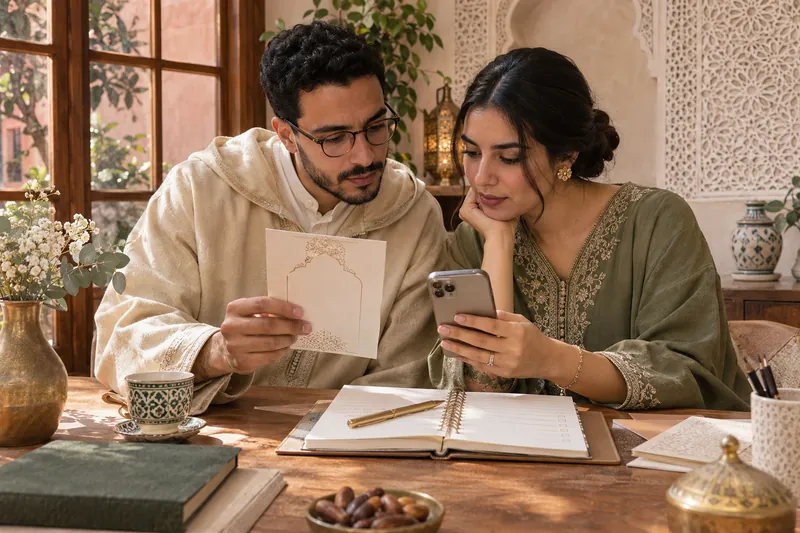
How does an invitation image differ from an interactive invitation?
An invitation image announces the wedding in a format that is easy to send. An interactive invitation opens in a browser and can bring several screens, a programme, a map and guest replies into one experience. Features depend on the design and its configuration.
| Format | Purpose | What to check |
|---|---|---|
| Image or PDF | Announce the wedding and share written details | Precise address and readable wording |
| Interactive invitation | Explore the celebration in one place | Opening, navigation and loading on a phone |
| Invitation with RSVP | Collect replies through an agreed configuration | Where replies go and who can view them |
What should you test on a real phone?
Open the demo from the link you would share. Try sound if it is offered, and make sure the invitation is understandable without it. Test a mobile connection and a narrow screen: names, the programme and buttons should remain readable.
- Open the cover without having to guess the gesture.
- Find the date, local time and venue quickly.
- Use a button without accidentally touching another control.
- Try your guests’ languages, including the Arabic reading direction.
Which languages suit a wedding in Morocco?
Start with the languages your guests actually use. QISSEA invitations include Arabic, French and English by default; you can also request another language. Every version should retain the same names, programme and exact venue.
If you are planning from abroad, keep one reference version of the practical details. Write the date in words and say that the time is local to the venue. Check the Morocco time zone for a calendar rather than relying on a fixed UTC offset.
How should you compare prices and scope?
QISSEA’s current public offer is 350 MAD. It personalises a collection design and includes your invitation link, Couple Space and a review before sharing. Guest count does not change this price. A design created from scratch with the studio costs 499 MAD.
Compare a written scope rather than price alone. Ask how a venue or time change will be handled after sharing. Do not assume that every feature shown in a demo is included in every request.
What should you check before choosing?
Prepare your names, date, time, exact address, a checked map location and preferred languages. Explore the collection demos to compare their styles. Demo replies stay local: they help you explore the experience and do not send an attendance confirmation.
- Do you still like the design after opening it?
- Has the studio confirmed your invitation’s features and terms?
- Can someone outside the planning process find the useful details?
- Do you know which final link to share and how to request a correction?
How we prepare these guides
These guides draw on the features shown on this website and the studio’s process. Commercial information is checked with QISSEA; the terms of your own request are confirmed before you agree.
The QISSEA teamExplore more guides
How to share your wedding invitation on WhatsApp
Use an adaptable message, test the final link and check the useful details before sharing your wedding invitation with guests.
Moroccan wedding invitation wording examples
Adapt three wedding invitation examples for a wedding in Morocco, including formal family wording, a personal message and French–Arabic wording.